Over the past five years, Apple has convinced Mac fans to only expect a simple refresh for its well-loved MacBook Pro lineup. The next generation of MacBooks—now obnoxiously called the MacBook Pro with PROLED XDR Display—is smashing the doors of Apple’s usual convention and is offering something fresh. Even with only a few minutes with the new laptop, it’s a design that feels both done before and somehow still fresh. You can bet this will likely end up the most premium Mac Apple has ever shoved out the door.
There are two models, a 14-inch and a 16-inch MacBook Pro with the new OLED screen. The other big headline: the laptops start at $2,899 for the version with an M5 Pro chip ($3,399 if you opt for a 16-inch laptop). For the top-end MacBook with an OLED display and an M5 Max chip, you can expect to pay at least $4,499, and that’s not even the version with the peak 40-core GPU. If you tick off every single spec, opting for 128GB of unified memory and 10TB or more of SSD storage, you can claim a laptop that costs over $10,000.
At that price, Apple has a lot to live up to, performance-wise. But as a laptop user, I find that a device lives or dies on its ergonomics, from the feel of its keyboard and trackpad and basic use experience to its port selection and up to the brightness and clarity of its display. The big news is, of course, an OLED touchscreen, but before I get into the nitty-gritty there, I want to talk about just how light this laptop is.
The 14-inch model weighs in at only three pounds. That’s nearly half a pound less than the other MacBook Pro models. You may not think it’s significant, but I roll around with a high-end MacBook all the time, and the weight difference is immediately apparent. The 16-inch model is even less weighty, now coming in at four pounds compared to previous models at 4.7 pounds. Specs-wise, they are slightly thinner than previous editions. That doesn’t actually change how thick these heavy-duty laptops are. I’m honestly not too concerned with having a Frisbee-light laptop, so much as I am reducing weight in my overloaded bag.
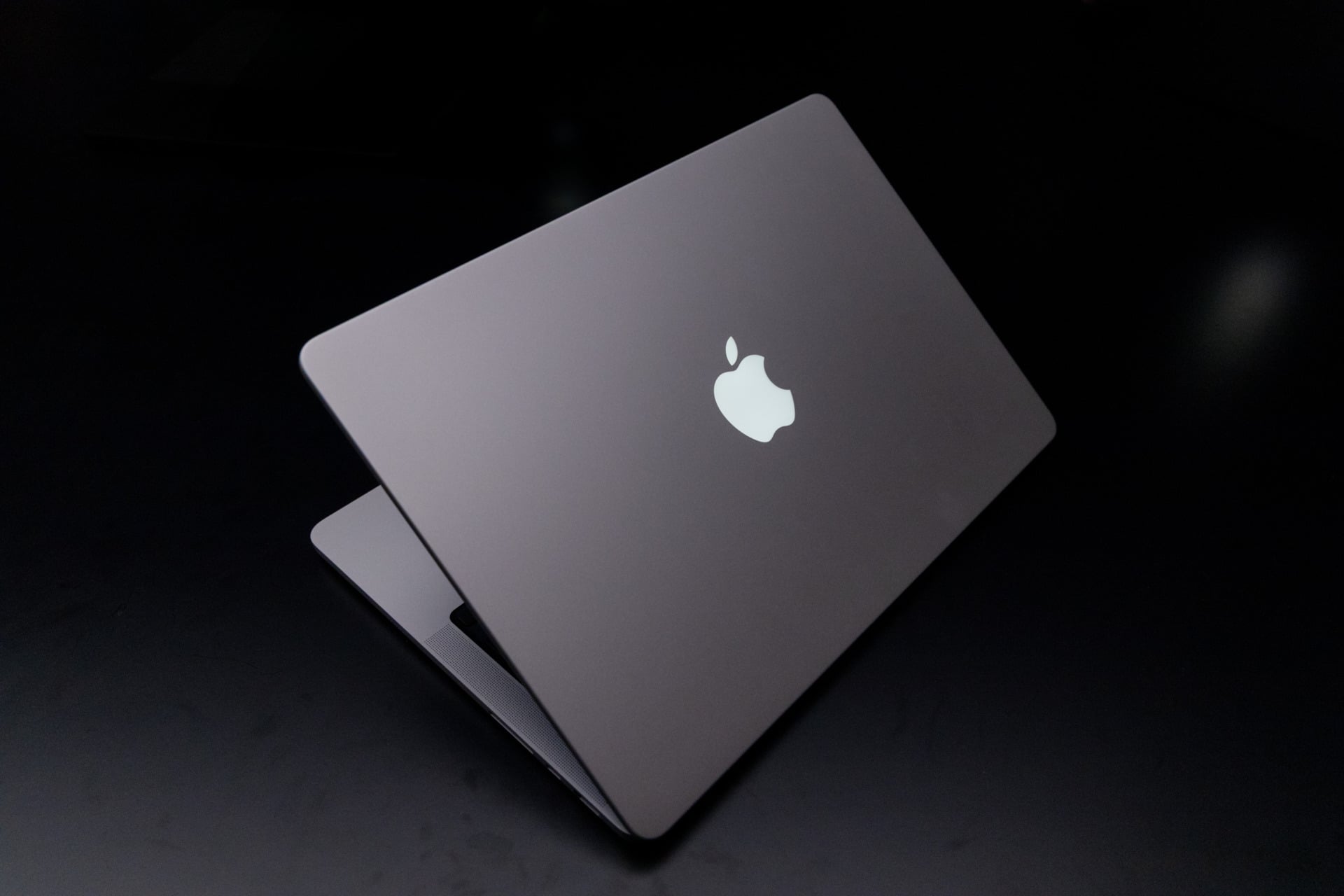
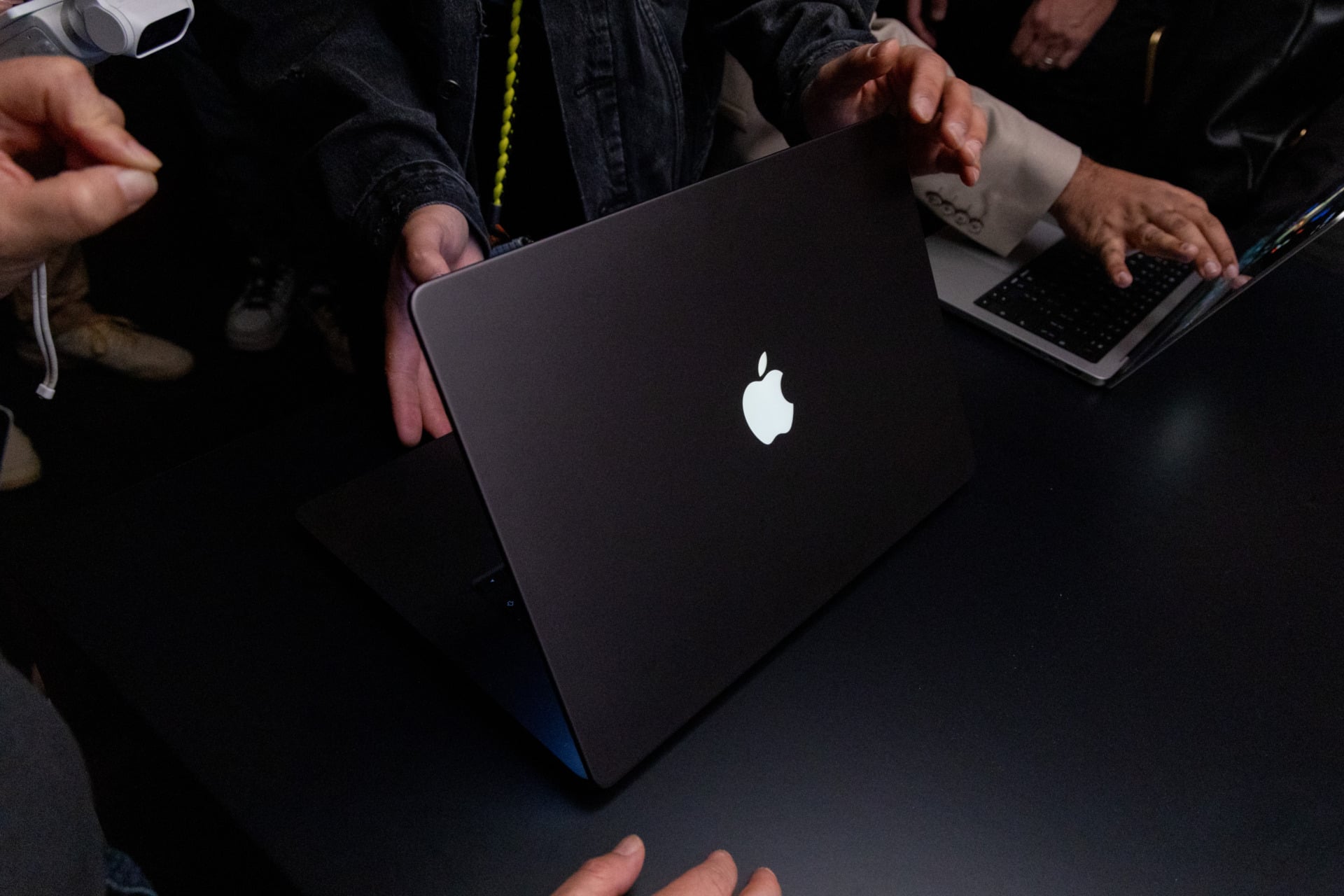
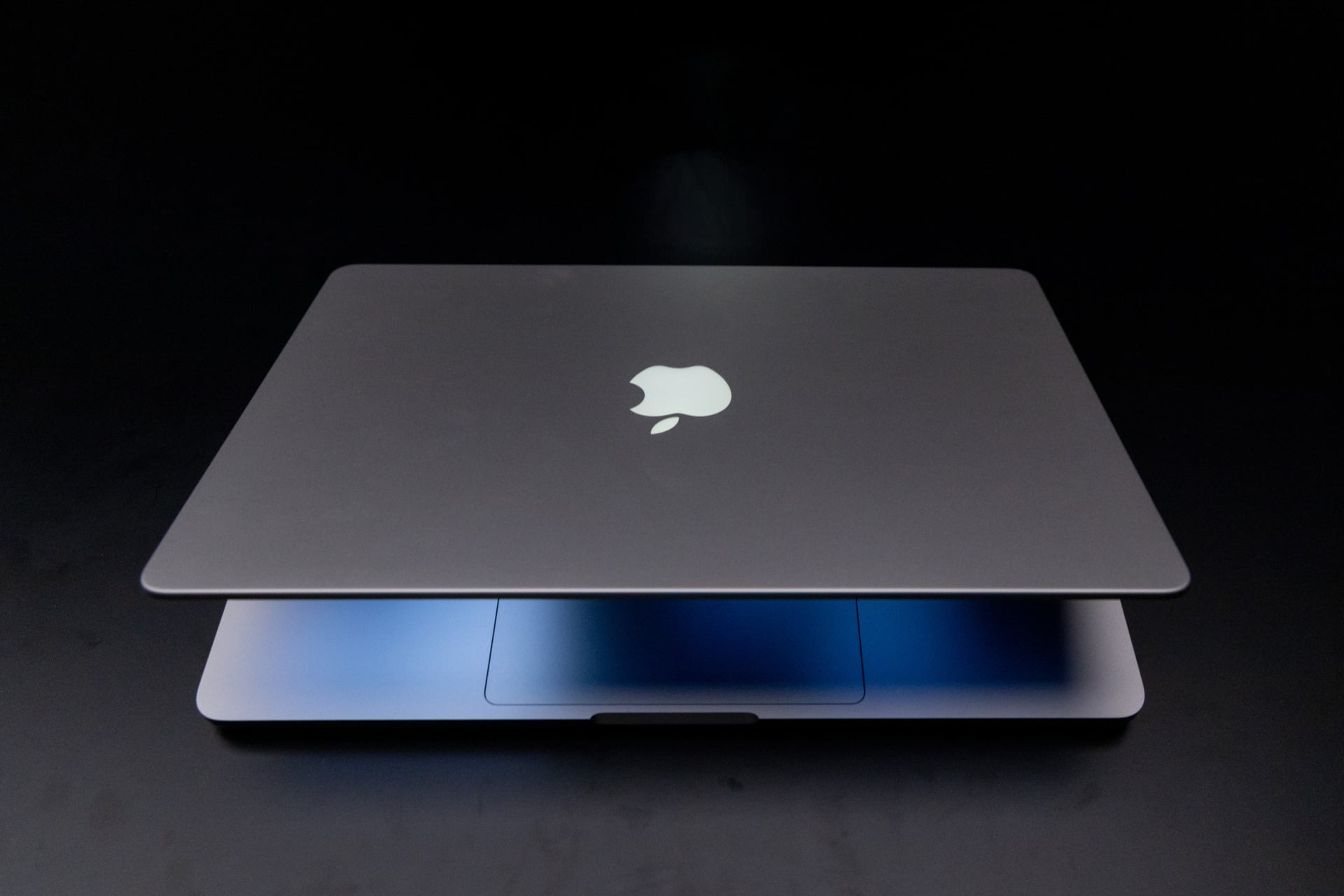
Oh, and in case you wanted to be the cool Mac user at Starbucks, the OLED MacBook finally adds an LED behind the Apple logo on the lid. It turns off when you close it up and lights up when you open it. Simple and elegant. It’s just like the old MacBooks before 2015.
OK, fine, let’s talk about the screen
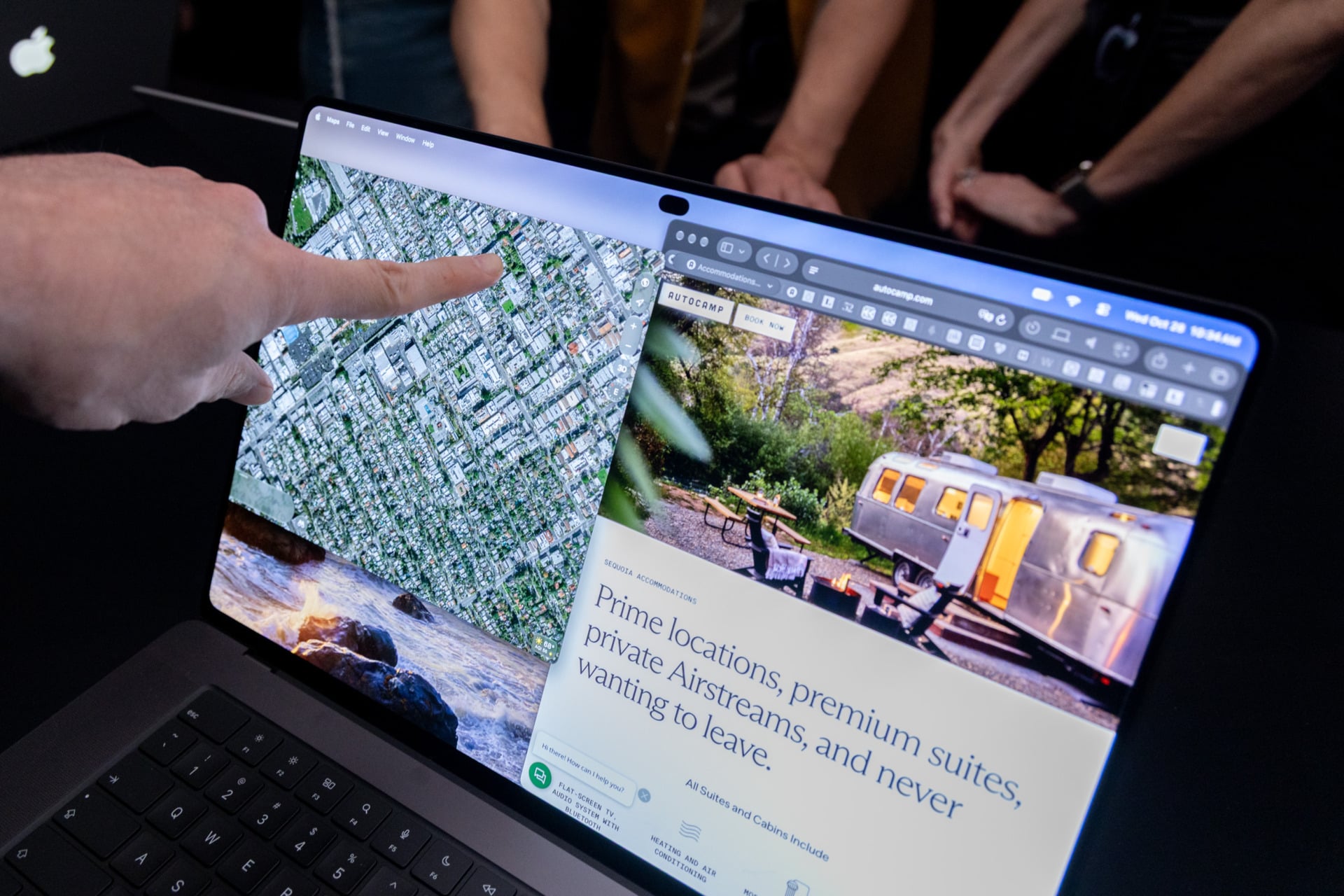
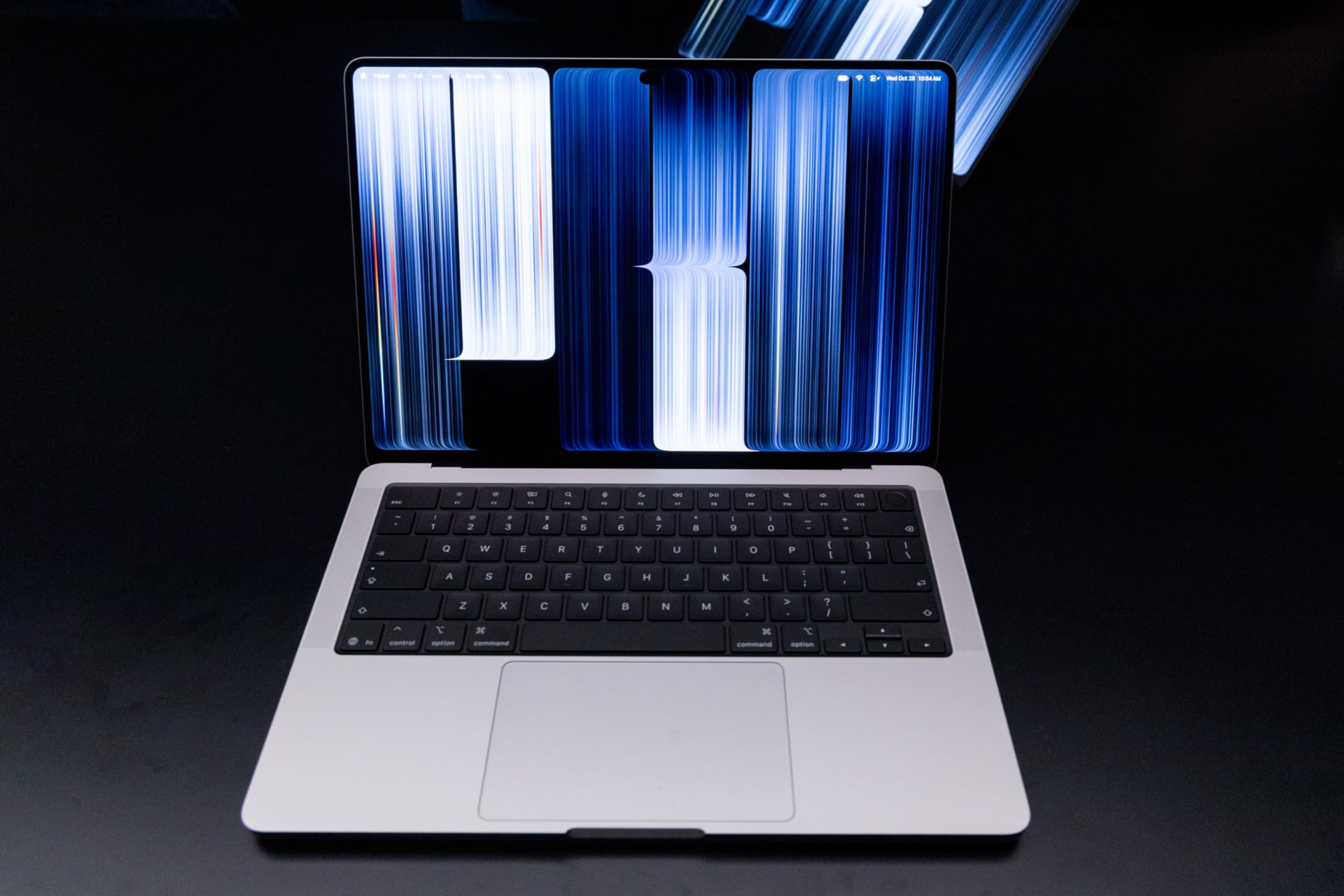
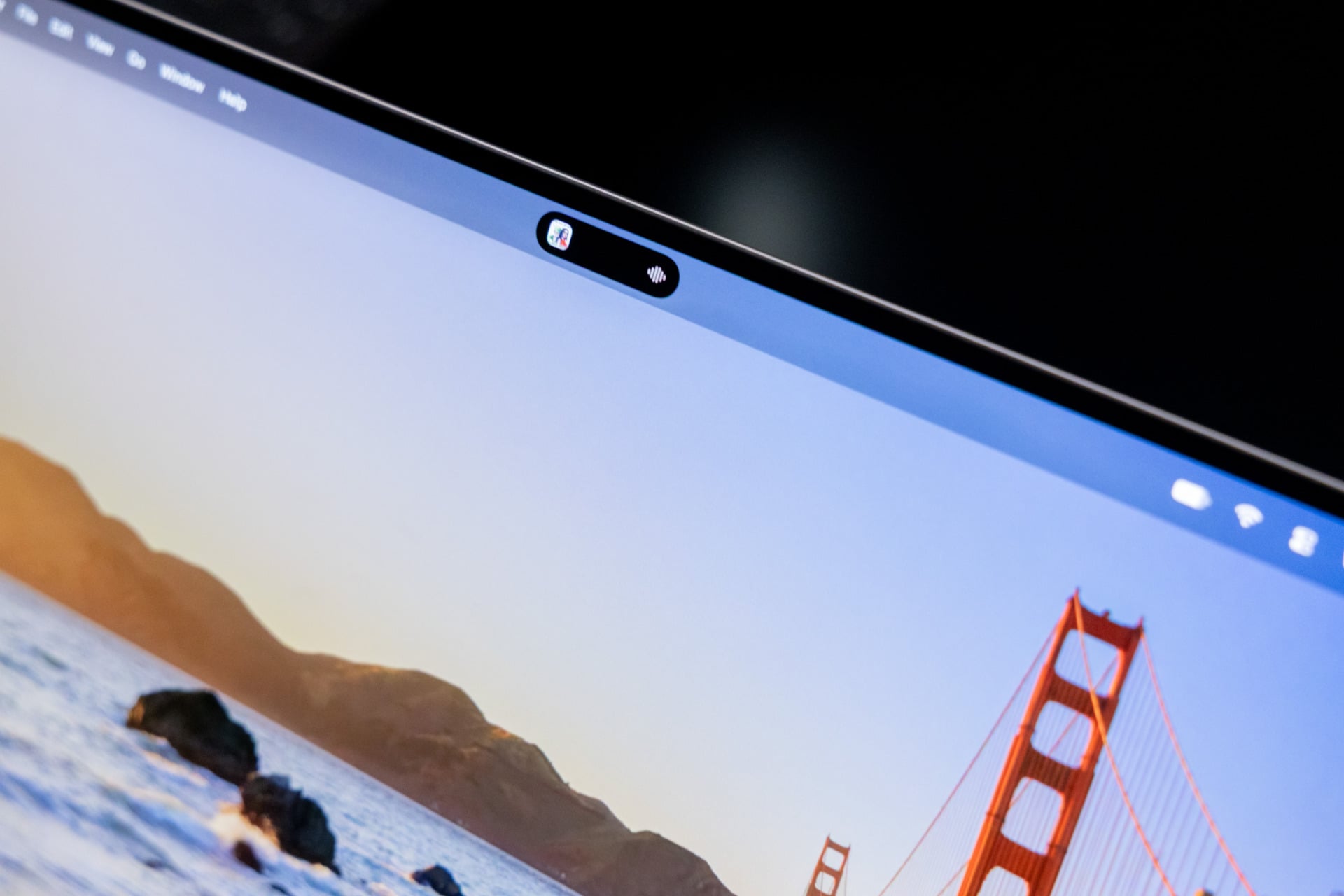
There’s a lot here that finally helps alleviate many of my bugs about the MacBook Pro design of the last five years. Case in point, the notch is gone. The ugly webcam cutout has been replaced with a Dynamic Island, the same transforming camera cutout that’s been a staple on Apple phones since the iPhone 14 Pro.
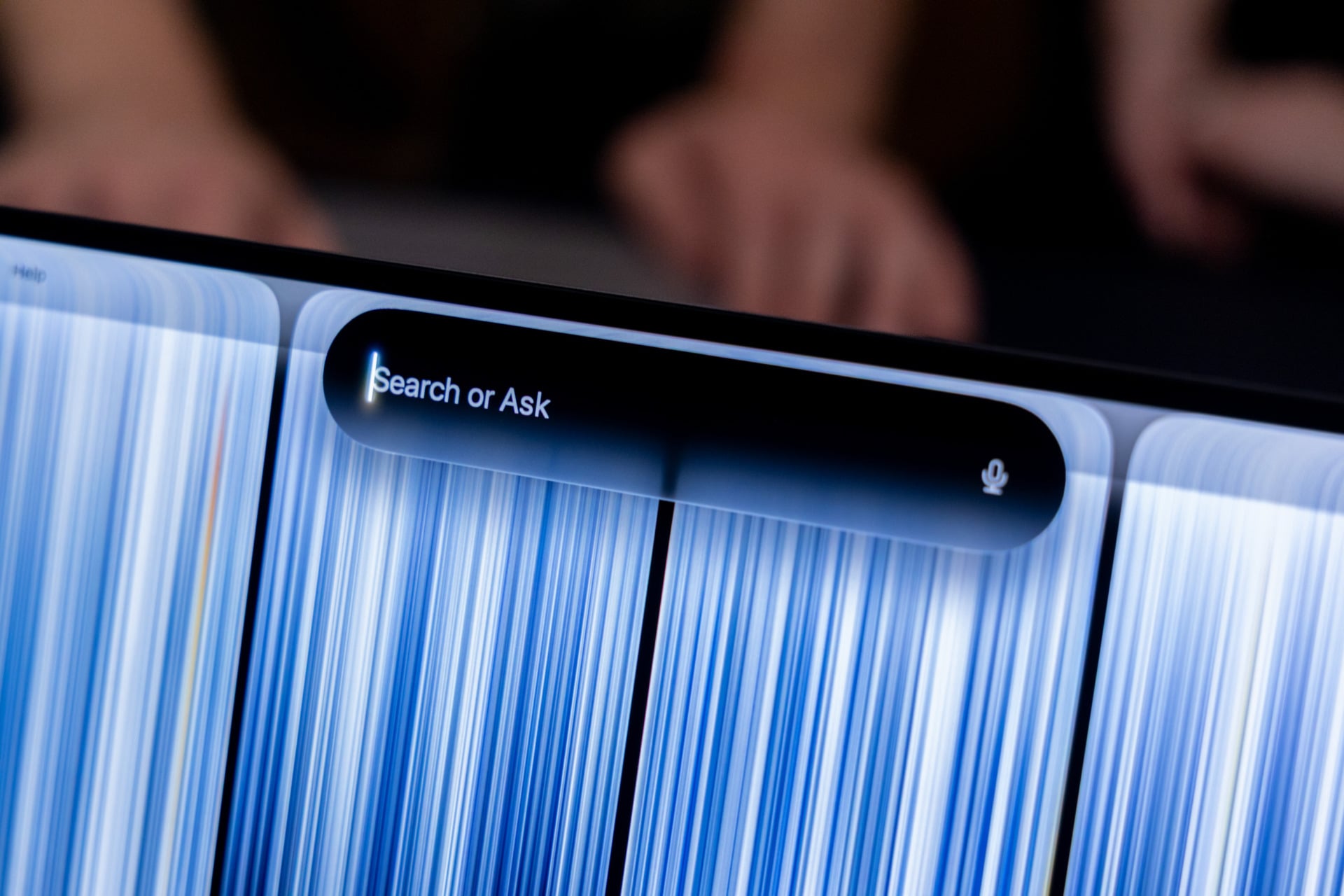
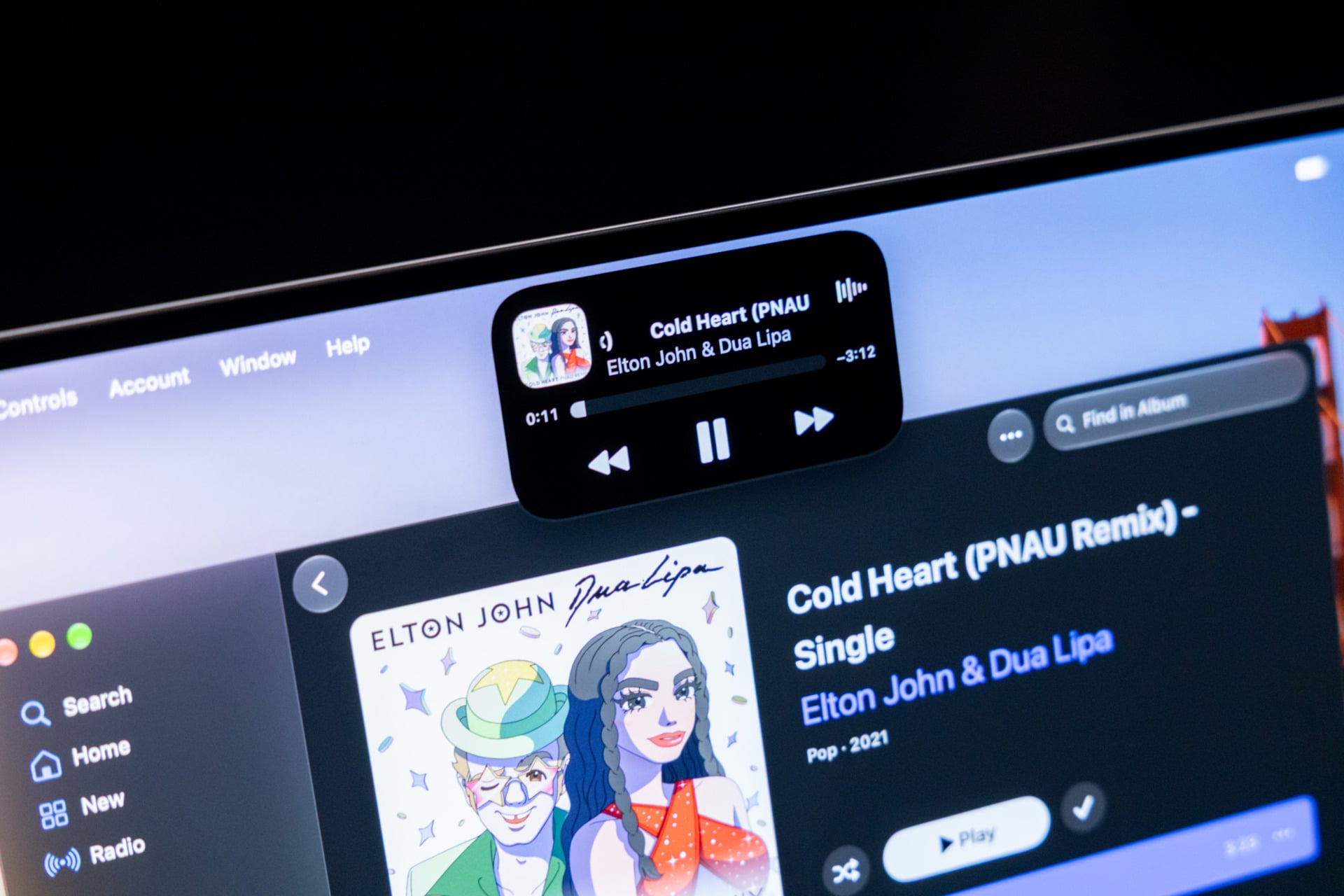
This does several things to the overall look of macOS 27. For one, the menu bar no longer looks like it has an iceberg stuffed into it, which in turn helps make the laptop feel more cohesive. The Dynamic Island will show Live Activities, like the music you’re playing, if you want to pause your tunes without opening the app. Even better, Apple integrated its beloved Spotlight feature directly into the space around the 12-megapixel camera cutout. Now, if you search for files or talk to Siri, you’ll see it appear at the top of the screen. It’s not a landmark change for how you use a Mac, but it makes Siri AI seem better integrated than the other devices carrying macOS 27.
Speaking of looks, we need to talk about the new OLED display. The near-infinite contrast ratio, deep blacks, and colorful visuals of OLED are still unmatched for screens of this size. Apple went a step further with its “PROLED XDR” screen, which is also a tandem OLED, meaning it can hit a stable 1,000 nits of typical brightness and peak at 2,000 nits for HDR and SDR content. That should be enough for working indoors and in sunlight, but we’ll have to take it out for a spin to see for ourselves.
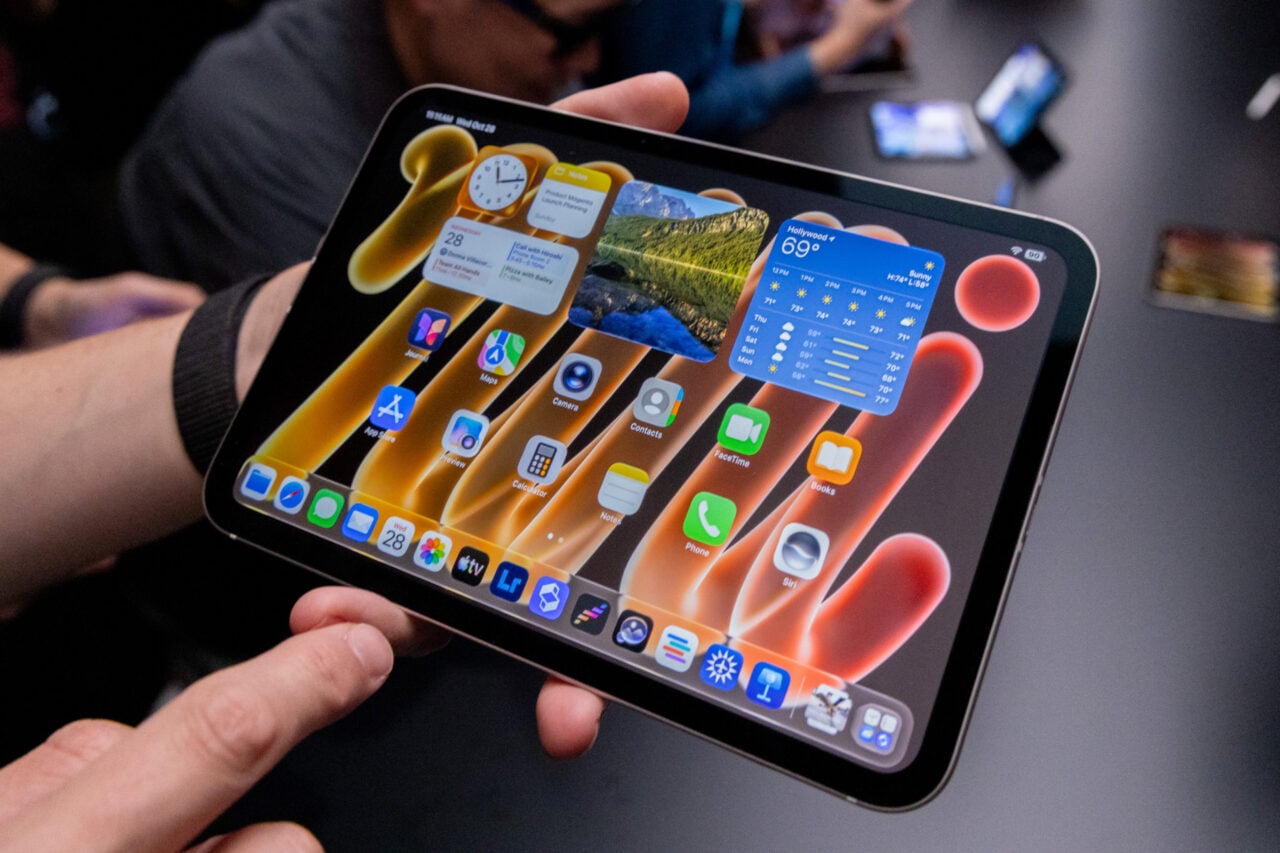
Apple itself already applied a high-brightness OLED screen to its iPad Pro and more recent iPad mini models (not to mention every single iPhone since the iPhone X in 2017). Seeing it here isn’t exactly leaving me gobsmacked, but let’s just say it’s leagues better than Liquid Retina XDR mini LED panels. The 10,000,000:1 contrast of organic light-emitting diodes lets all your content look its best, with supremely colorful images and deep, inky blacks. The mass number of OLED PCs have convinced me that the screen type is better, and nothing I’ve seen up to this point can compare.
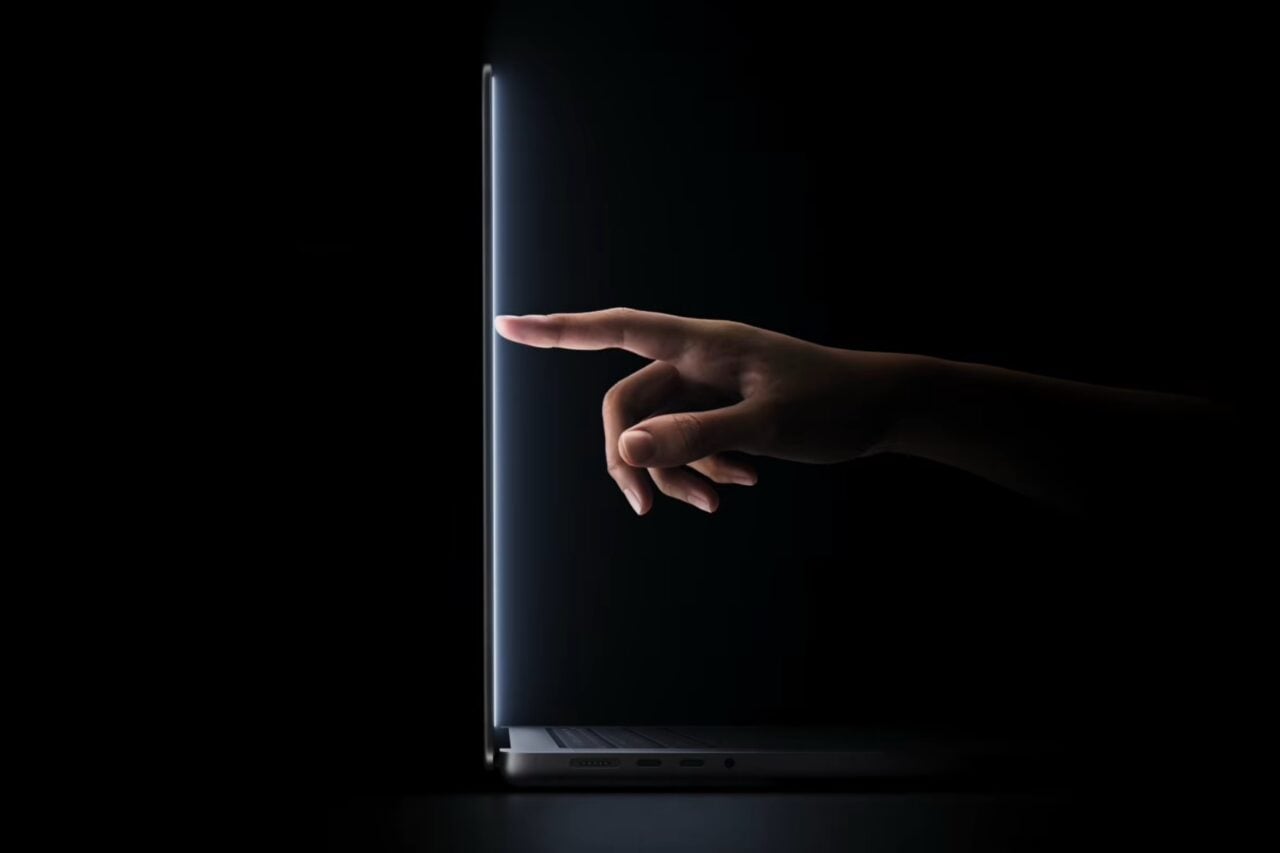
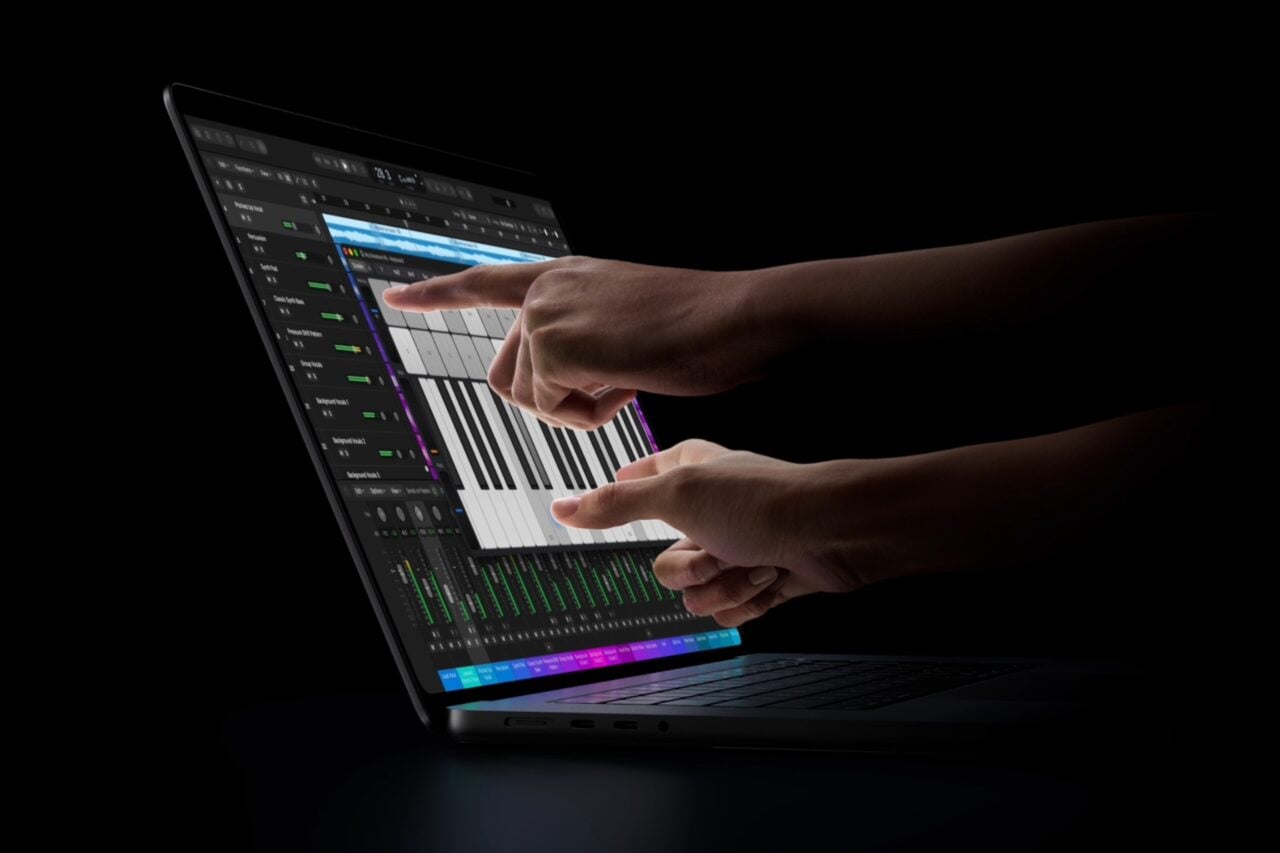
And there’s another thing that we have to talk about with the screen. A touchscreen laptop isn’t nearly as novel as it may have been close to a decade ago. But this is still a significant step for Apple, arguably as much of a sea change as the iPhone Duo and its combining of iPad capabilities on an iPhone. This sparks a new Apple, one that’s willing to upset its once-defined boundaries and try something new.
The new Apple loves touchscreens
Apple’s once-figurehead Steve Jobs did not like touchscreens on his Macs.
“We’ve done tons of user testing on this, and it turns out it doesn’t work… It gives a great demo, but after a short period of time you start to fatigue, and after an extended period of time your arm wants to fall off. It’s ergonomically terrible,” he said back at an event in 2010.
The problem, as Jobs described it, was that touch surfaces are very annoying when they’re vertical. “They want to be horizontal,” he said, hence why the trackpad has stuck around in a staple of laptops for decades. Hell, the first laptop with a trackpad was the Apple PowerBook 500 in 1994. But in the years since Jobs departed this terrestrial plane, we’ve seen that some users can indeed make occasional use of a touchscreen PC. They’re also an aid for accessibility purposes, especially when one doesn’t have the fine motor skills necessary for operating a small trackpad or mouse. Hell, some companies even went as far as to mod touchscreens on Macs, seemingly just to prove you could indeed mix oil and water.
Now we’re in a different age, under new leadership with CEO John “JT” Ternus, and anything can happen. The company did not mention anything about Jobs’ previous touchscreen hangups in its brief Wednesday presentation. One of the big improvements Apple is touting is a stiffer hinge. That will be necessary when you’re tapping on the screen, as current MacBook Pro models tend to bounce with ever flick of a finger.
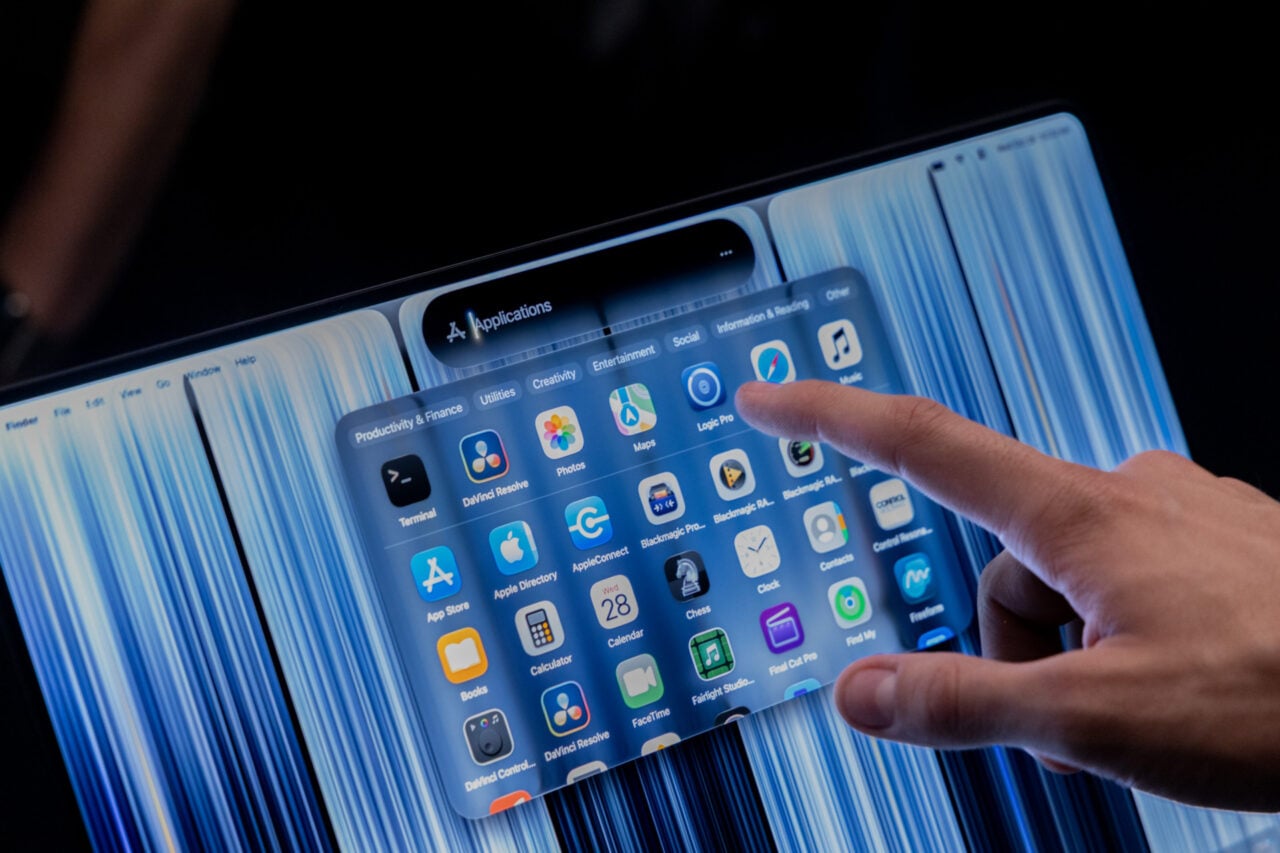
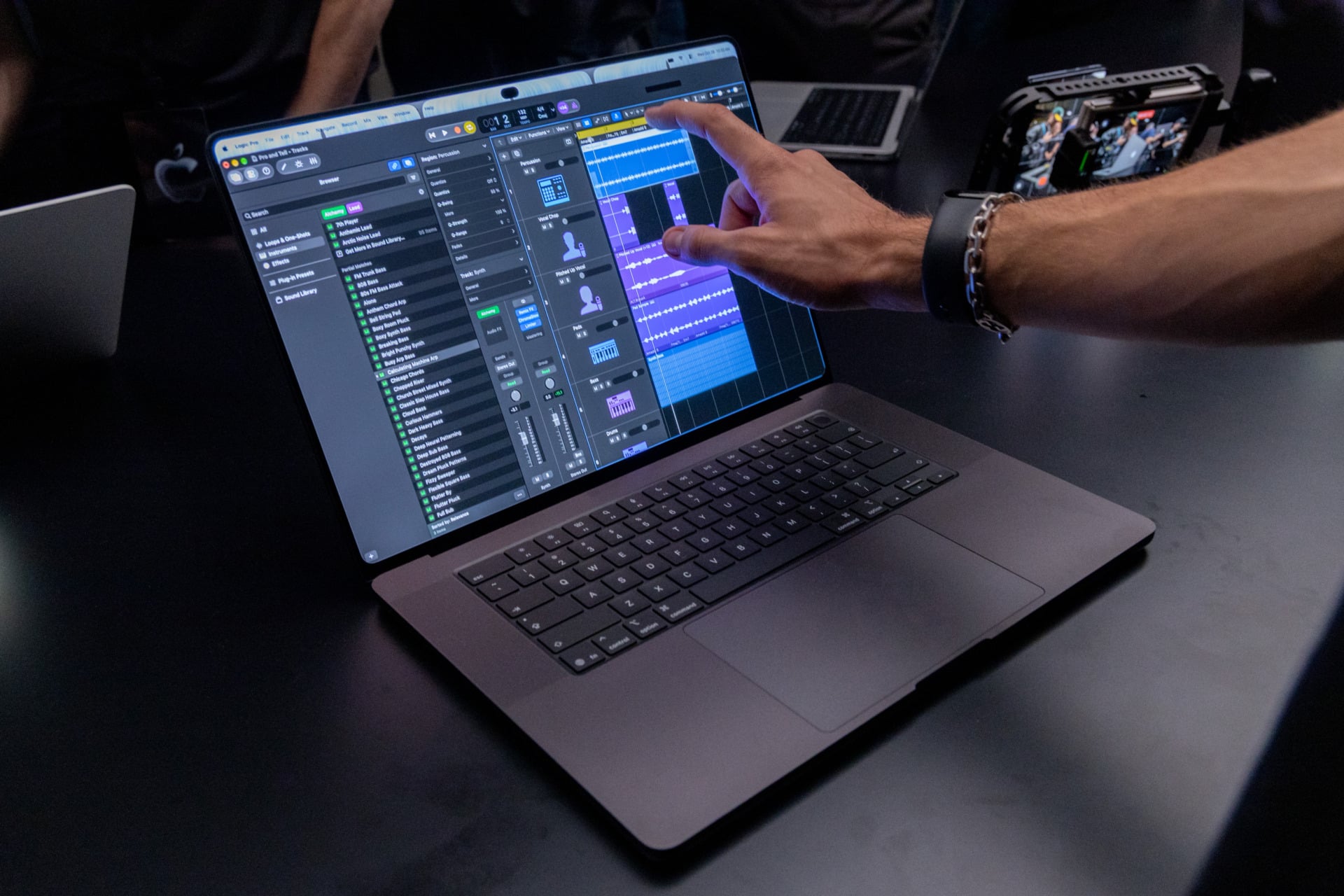
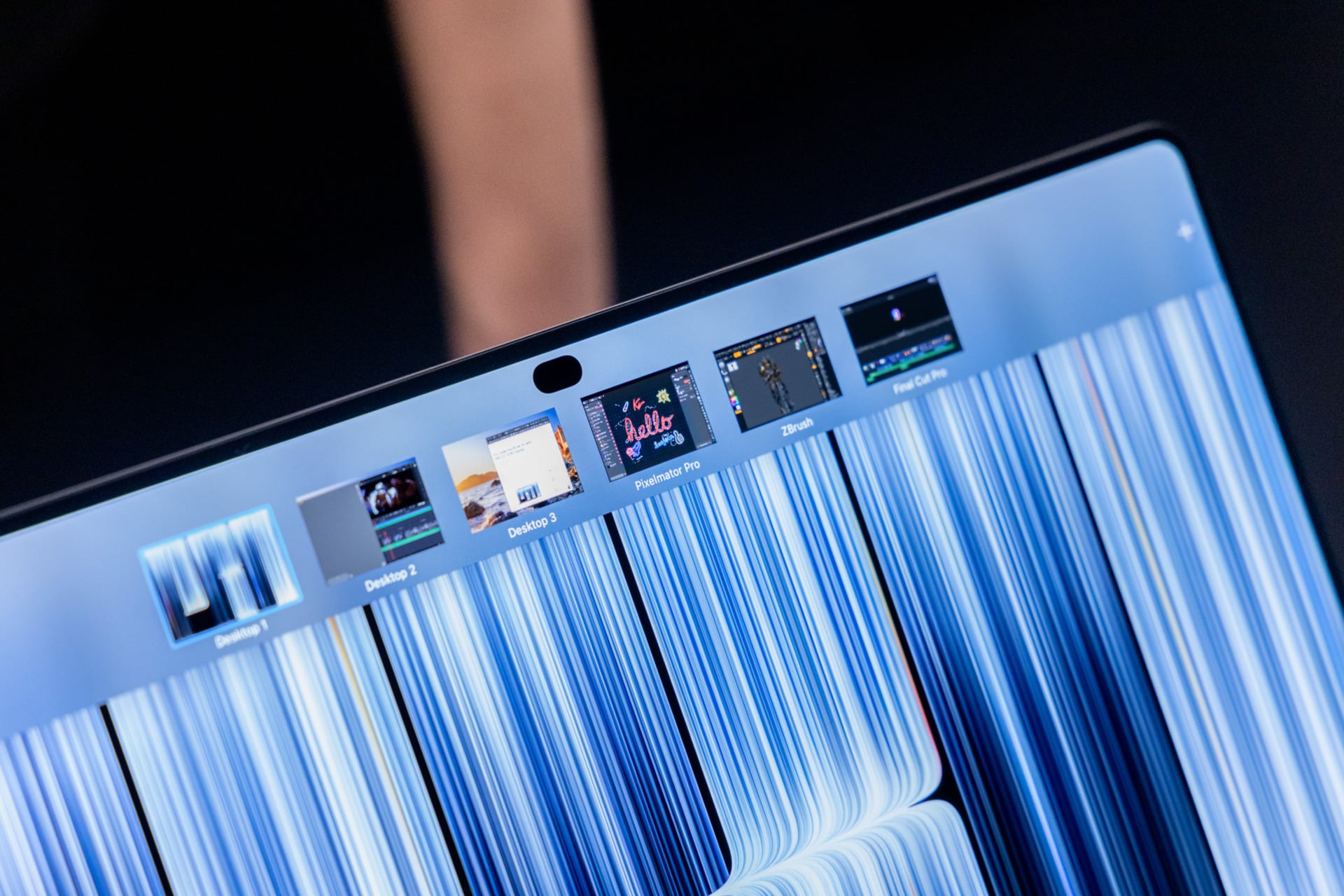
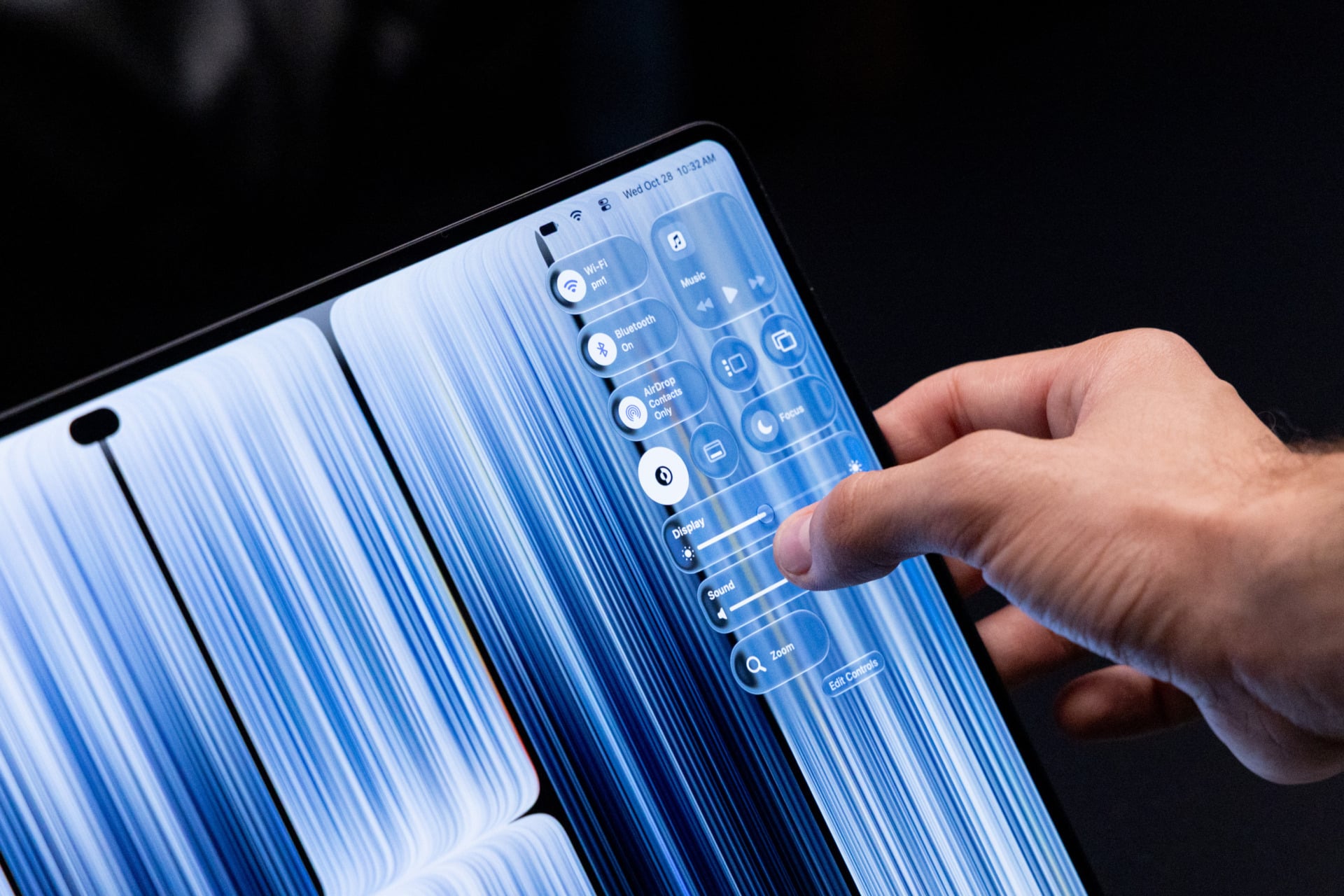
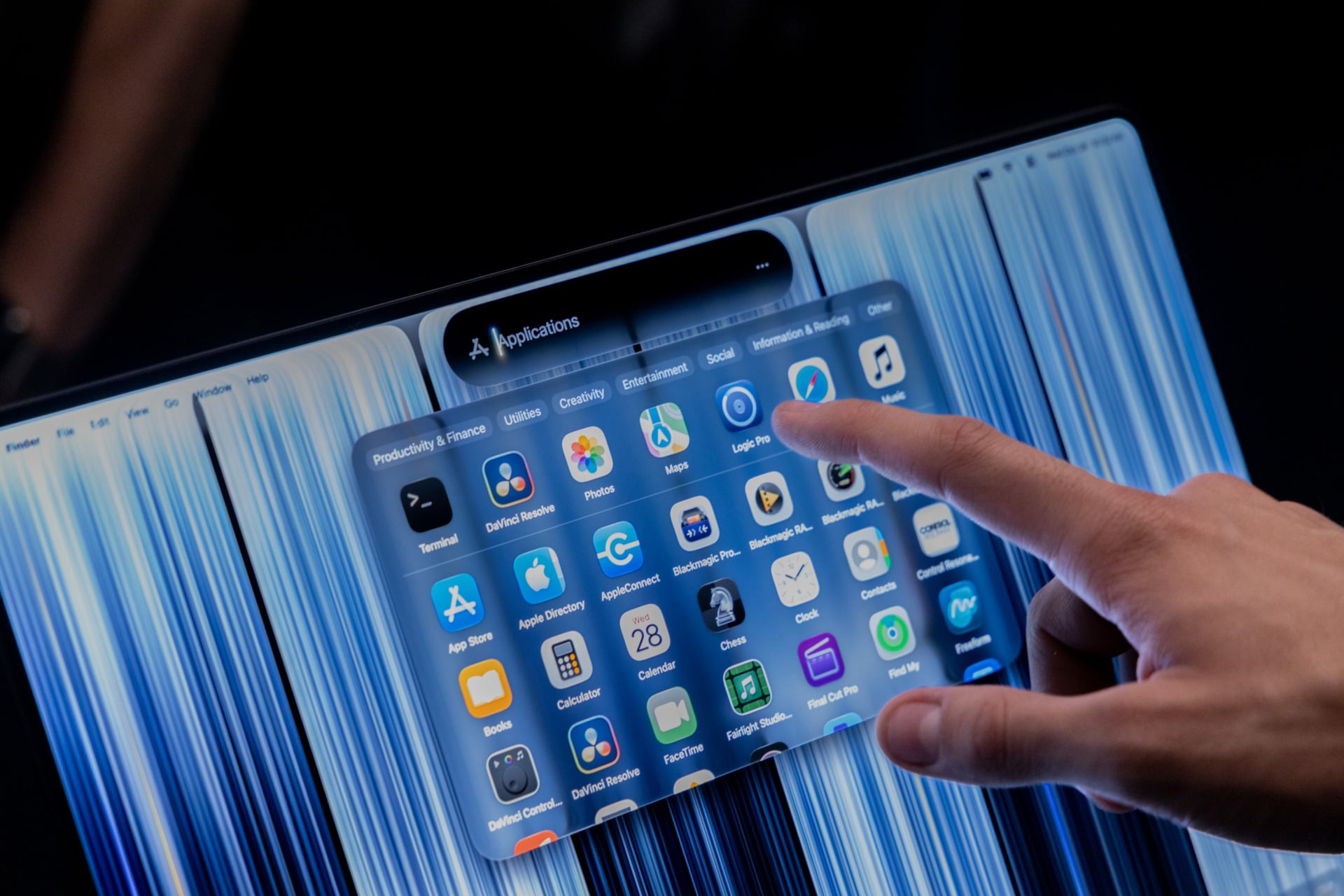
Apple had to make a ton of modifications to make macOS work well with a touchscreen. For instance, if you touch over the close window button, each key blows up to make it easier to press. Holding down on the Move and Resize buttons will let you tile your apps. You can also flick your windows to one side of the screen to have them adhere to that edge in a very iPadOS 27 and iPhone Duo kind of way. The screen also seems to support gestures, with a three-finger swipe that lets you swap between your various desktops.
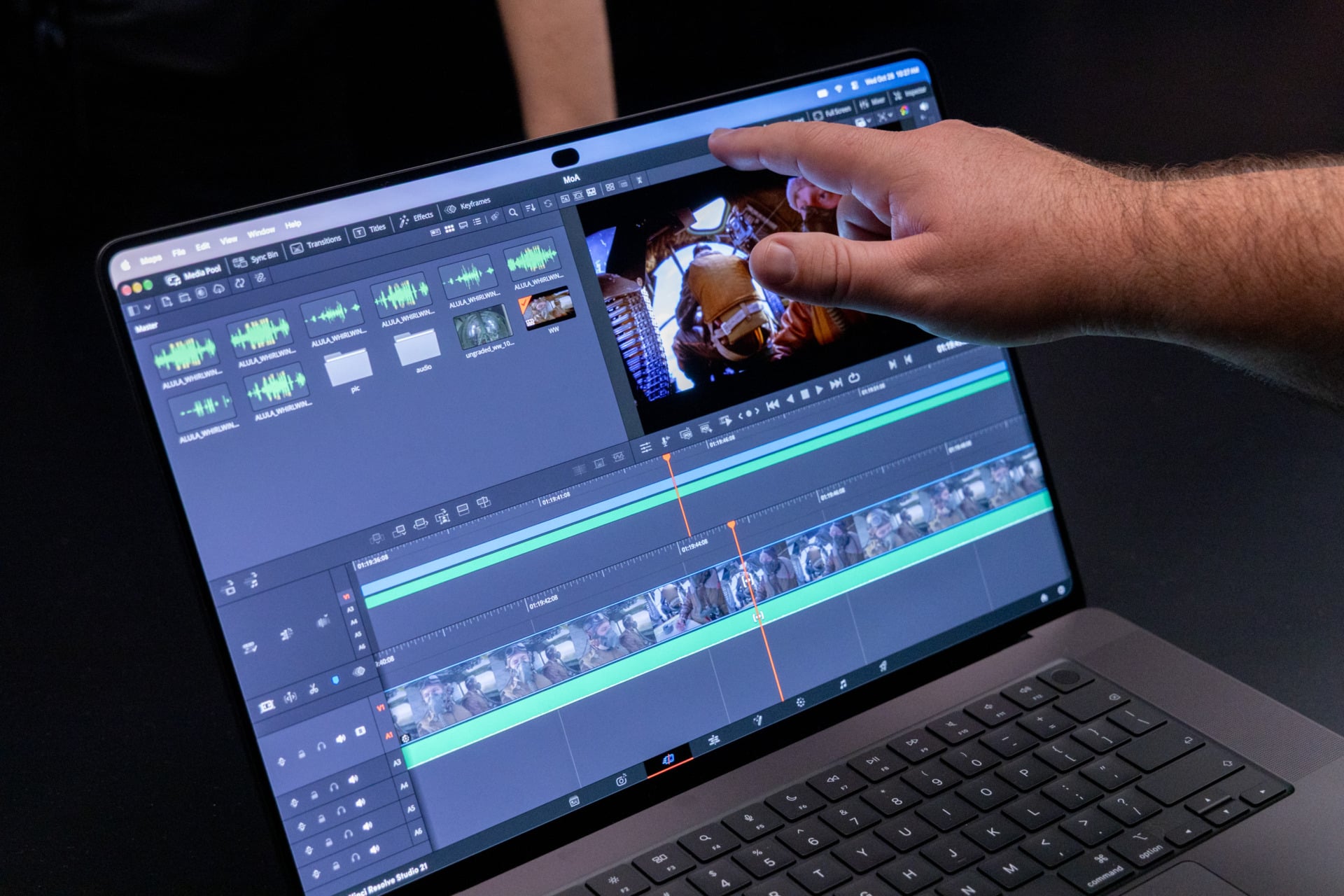
There are a ton more features to test, but there are limitations I can already feel. For starters, the screen doesn’t fold back 180 degrees if you want to use it like a tablet. Apple told me you can’t use the Apple Pencil with your MacBook. It’s a capacitive touch display, so your pen’s pointer may still interact with the screen. You just won’t receive any of those Apple Pencil Pro features you’re so keen on. Instead, you’ll need to either use an iPad, like the new A20 Pro iPad mini, or an iPhone Duo (which only works with Apple Pencil USB-C). I just got over the hump of using other touchscreen 2-in-1 laptops like the Lenovo Yoga 9n 2-in-1, which lets you use a pen on both the trackpad and screen. I’m sure there are artists out there who would have loved similar features inside macOS, but no such luck this time around.
There are big changes on the horizon
The MacBook is undergoing a period of reinvention. At the start of this year, the MacBook Neo completely upset the laptop landscape with the kind of quality for its price that other laptop makers are struggling to beat. The new MacBook Pro with PROLED XDR Display is on the opposite end of the spectrum, with Apple hoping it cements itself as the most premium mobile workstation you can possibly clutch in your shaking hands.
The thing is, we already know what to expect from this new MacBook’s performance. The M5 Max MacBook Pro models have yet to be beaten in terms of raw CPU and GPU performance. That’s not for lack of trying, mind you. Nvidia just helped launch its N1X chip on a bevy of RTX Spark PCs, including high-end MacBook Pro competitors like the Microsoft Surface Laptop Ultra. The M5 Max’s 40-core GPU (the base model comes with a 32-core GPU) still outperforms Nvidia’s chip in terms of raw benchmark capabilities.
This redesign is an important step for Apple’s future plans. The recent M5 Max chip strained against the constraints of the previous MacBook Pro design. I personally saw some concerning sustained performance issues when playing demanding games on a 14-inch M5 Max MacBook Pro. The new internal design may be able to cope better, letting us push Apple’s class-leading silicon to its fullest extent.
The question is what you think you’re going to use this laptop for. We’ll have our own chance to put it through its paces in due course. Is it the AI powerhouse that Apple claims it will be? Likely, yes. But with this price and performance, Apple is asking users to pony up a lot of money for a similar experience you may be able to get for less on the older MacBook Pro models. Choice is good, of course, but I’m stuck wondering what may come in the future, and whether a new OLED MacBook will be the one to claim an even more performant processor and cement itself as the true Apple computing flagship.
It’s even more standout compared to what else is available this year. The other big Mac products available are the M6 iMac and 14-inch M6 MacBook Pro. There is little to differentiate these new Macs from their previous generations. The M6 chip, first found in the Mac mini, will prove a sizable upgrade from the iMac and MacBook’s respective M4 and M5 chips, and they will likely be an upgrade for users with older laptops and desktops. But if you want to get people excited, the MacBook Pro with PROLED XDR Display.